
Important Notice
OTP (One-Time Password) authorization has been discontinued on Online and Mobile Banking. Biometric Authorization (Face/Finger print) is now required to complete your transactions through the SIB Online & Mobile Banking.
How to activate Biometrics
Already registered in Online & Mobile Banking Services?
- Open SIB Digital App on your mobile device
- Go to Menu > Profile & Settings
- Select Enable/disable biometric login
- Enable and follow the on-screen instructions to complete setup using your device’s biometric features
- Ensure your device’s Face ID or Fingerprint is already registered in your phone settings
- Log out then log in again to complete the transactions
Notes:
- Biometric login can be used both for signing in and authorizing transactions, making your banking more secure and effortless
- IOS Biometric includes Fingerprint/Face ID
- Android Biometric includes fingerprint only
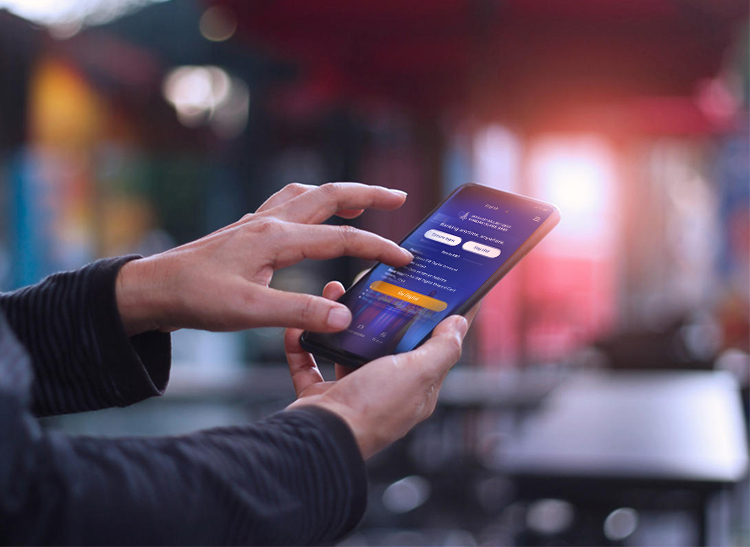
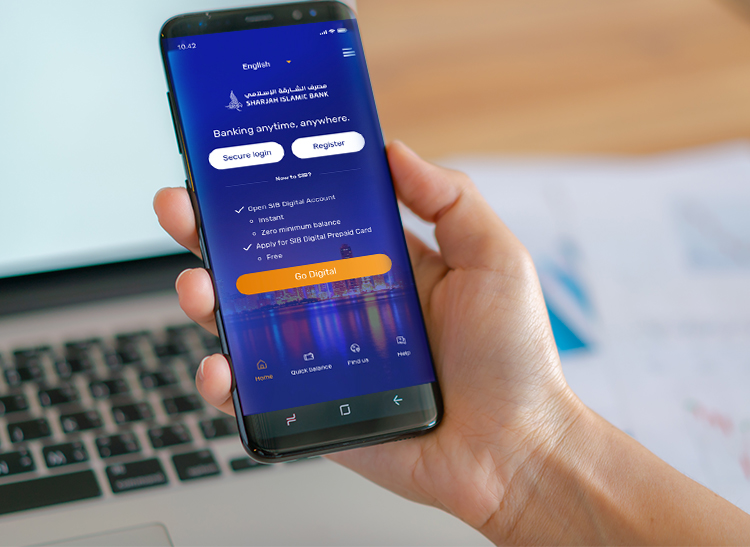
How to activate biometrics
Not Registered Yet? Here’s How to Enroll:
- Download the SIB Digital App from the Apple App Store or Google Play Store
- Click on Register on the login screen
- Enter your Card/Account Number and PIN/TPIN
- Follow the on-screen instructions to set your username, password, and activate your account
- Once registered, enable Biometric from Menu > Profile & Settings
- Select Enable/disable biometric login
- Enable and follow the on-screen instructions to complete setup using your device’s biometric features
- Ensure your device’s Face ID or Fingerprint is already registered in your phone settings
- Log out then log in again to complete the transactions
Notes:
- Biometric login can be used both for signing in and authorizing transactions, making your banking more secure and effortless
- IOS Biometric includes Fingerprint/Face ID
- Android Biometric includes fingerprint only
Mobile Banking
Mobile Banking Guide
HideMobile Banking - Forgot User ID
 Download Pdf
Mobile Banking - Registration
- Download Pdf
Mobile Banking - Reset Password
- Download Pdf
Do more with Online Banking
Our Online Banking platform is packed with useful features and accessible functions, giving you the flexibility and convenience of banking from home or at work by simply logging on via your computer's internet browser.

Pay your bills
Pay your utility, telecom and SALIK payments – in seconds.
Make instant transfers
Quick and secure online remittances to India and Pakistan with ZERO fees.
Apply for a Digital Prepaid Card
Existing customers can apply through both Online and Mobile Banking.Safety and security redefined
The safety of your information is one of our foremost concerns, especially when it comes to making sure that you are protected at all times while using our digital platforms. Enjoy peace of mind in knowing that your transactions are secure.
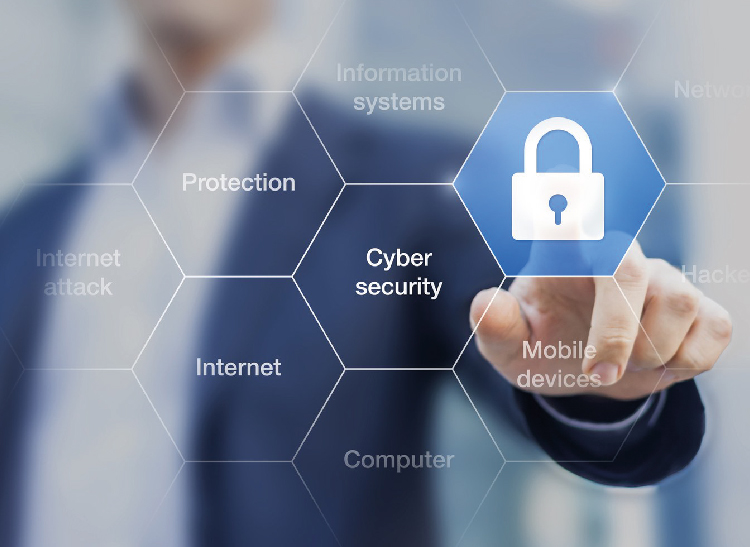
Security tips
We take your security very seriously. SIB has invested in state-of-the-art encryption technology and firewalls to help protect you and ensure that your banking experience across all of our e-channels is safe and private at all times. You can do your part by changing your password regularly and log in to your account frequently to verify your transactions.
Fraud prevention
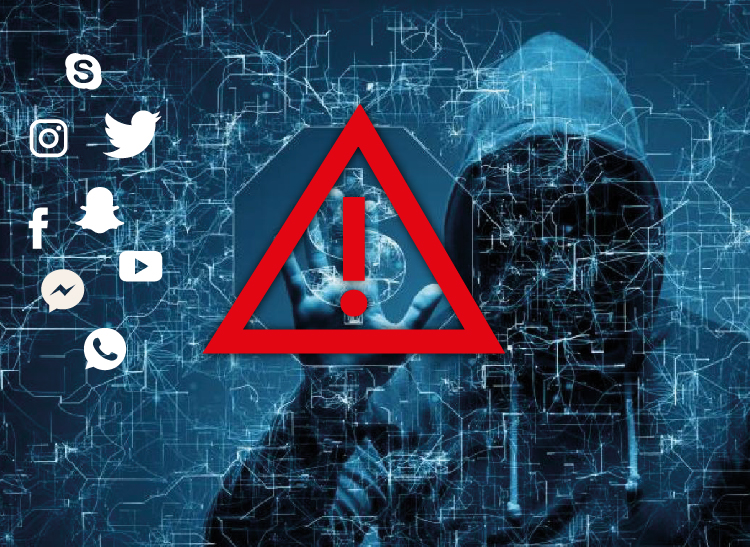
To enable us to protect you from online fraud attempts and scams, you are kindly requested not to share any confidential information like your user ID, password, SMS OTP (one-time password), PIN, TPIN, CVV (code on the back of the card), expiry date, account and/or card number, etc. in response to SMS, email or phone calls. Please report any such incident immediately by contacting us on 06-5999999 or sending an email to [email protected]

Frequently asked questions
What's the difference between Mobile Banking and Online Banking?
Our Mobile Banking platform is the tool that enables you to take all your banking services with you simply by installing an app - SIB Digital - on your smartphone. Meanwhile, SIB Online Banking also allows you to perform a wide range of transactions and request services from your desktop computer. To learn more, please visit our Online Banking page.
Do I have to have an account with SIB to activate Online Banking?
Yes, only SIB account or card holders can apply for Mobile Banking. You can open an SIB Digital Account instantly once you download the app. To learn more about your options, please visit our Digital Account page.
How do I sign up for Mobile Banking?
All you need to do is download the SIB Digital app from Apple App Store, Google Play or AppGallery, and register as a new user of a retail account. You should have your card or account number and verification code ready to create your user ID and complete the process.
Which device do I need to access Online Banking?
Our Online Banking platform is accessible from the internet browser (Google Chrome, Apple Safari, Microsoft Edge, Mozilla Firefox) of any computer.







 For an optimal experience, please